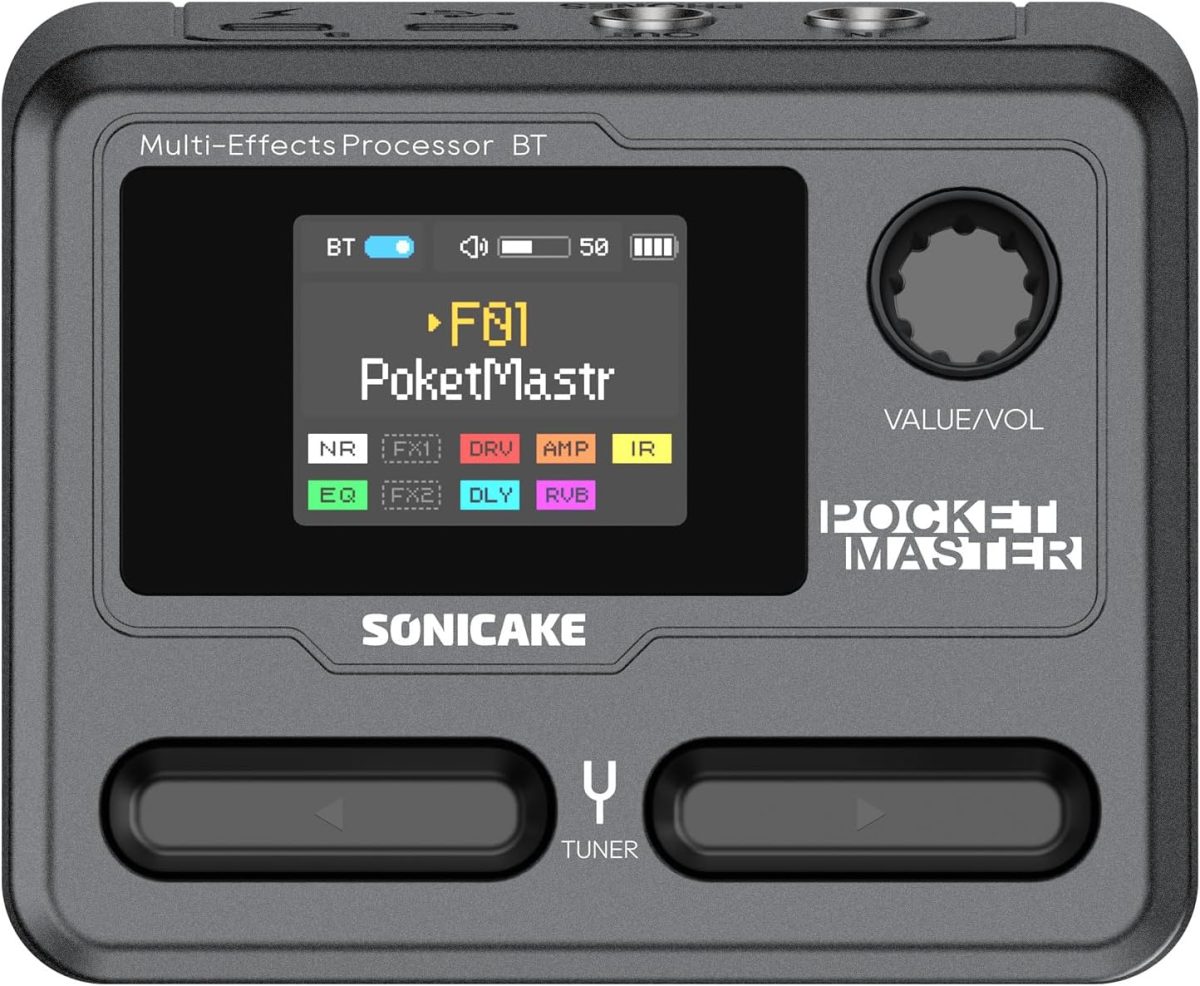
I’ve brought up IR tech for acoustic guitarists and NAM amp modeling and a lot has changed since then!
I used to think you had to buy an expensive pedal like the Fishman Aura, Nux Optima Air, or Tonedexter for acoustic IRs. There are pricey solutions for loading NAM amp profiles, such as the Dimehead NAM player.
But this tech is starting to make its way into low-cost devices from China. Two such devices are the $65 Sonicake Pocket Master or it’s beefed up big brother the $95 Sonicake Smart Box (affiliate links). I think this thing is a real sleeper. It’s essentially a amp modeler with very decent presets (though mostly for metalheads) and also a multi-effects unit (all the standards: distortion, boost, phaser, flanger, tremolo, delay, reverb) in a very compact, rechargeable battery-powered box:
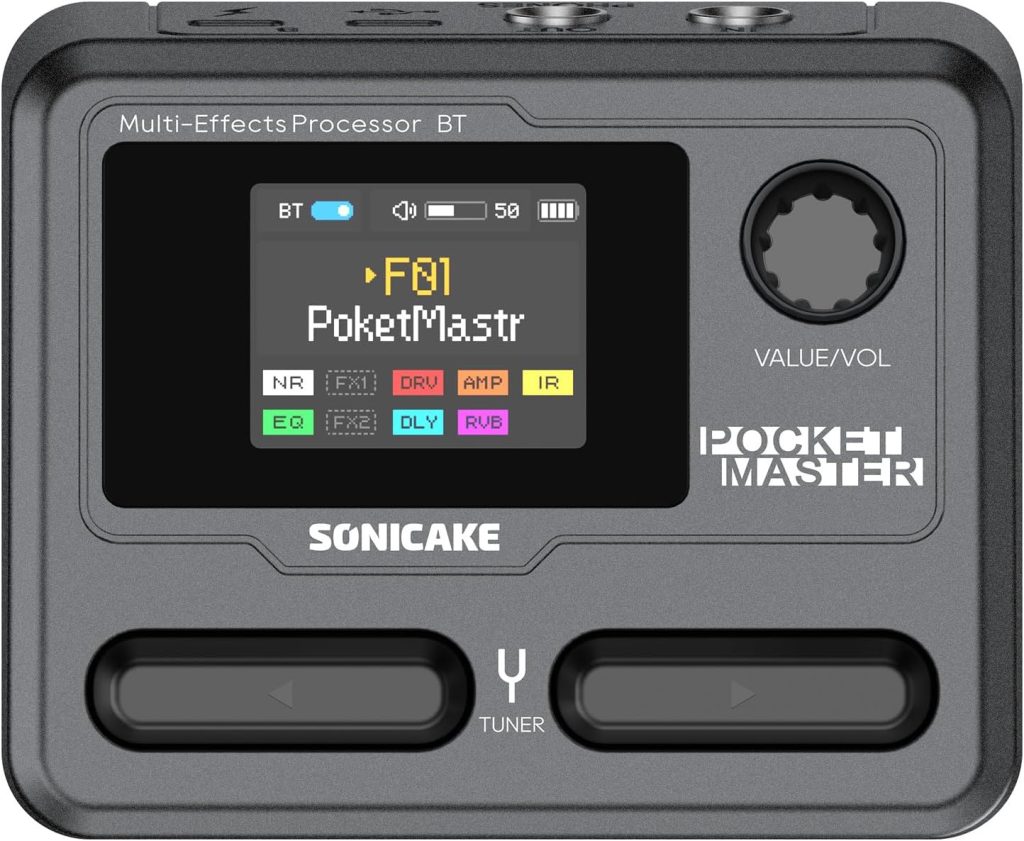
The onboard stuff is pretty handy, but the most recent firmware for the Pocket Master added up to 5 NAM and 5 IR profiles. So you can load up custom amp models from Tone3000 and your acoustic IR profiles in one box. I’ve been using it to load up an EH-150 amp model for Charlie Christian / Oscar Moore-style archtop playing, and also have a setting for my Gypsy Jazz acoustic guitar IR for acoustic gigs, running into my AER.
I find the internal battery really convenient, because it cuts down on the cable clutter. Also, if I’m feeling really lazy about schlepping amps around town, it sounds surprisingly good running direct into a mixing board. Even my discerning bandmates thought so!
A few tips on using the Pocket Master
- Volume issues with loaded models: If you load NAM profiles, go with an older software version 1.1.1, and not 1.3.3+, from Sonicake’s web site. The newest version has issues loaded amp/IR profiles are too quiet. You can sort of get around this by adding some volume boosts to the effects chain (boost, EQ, gain settings), but best to get it in there as loud as possible first.
- Loading acoustic IRs: To load an acoustic guitar IR, similarly use the Sonicake Manager app to put them in to one of the five IR slots, which usually are used for Cabinet simulation, but in our case we just want them for acoustic guitar. Then make a new preset where you disable the amp modeler in the effects chain. This essentially makes it a simple acoustic guitar IR loader. You can add additionally add some EQ and reverb to the effects chain to get it closer to the desired sound.
- Effects triggers: you might want to be able to easily toggle effects. The M-Vave Chocolate Plus (affiliate link) adds 4 additional configurable buttons that can be set up to do so.
- Battery life: If you’re finding the onboard battery a bit lacking (I found that it cuts out around 2.5 hours). You can just use a mobile power bank with USB-C to give it a boost. Also, consider this internal battery upgrade I developed to bump it through a 3-hour gig! Will require a 3d printer. Instructions at Printables.
Note that I’m not shilling for Sonicake at all! I discovered this on my own and I just think it’s crazy what the crammed in this little box. As someone who makes a lot of gadgets to suit my niche purposes, there’s no way I could ever create something that checks all these boxes.